

Keep the current task in view
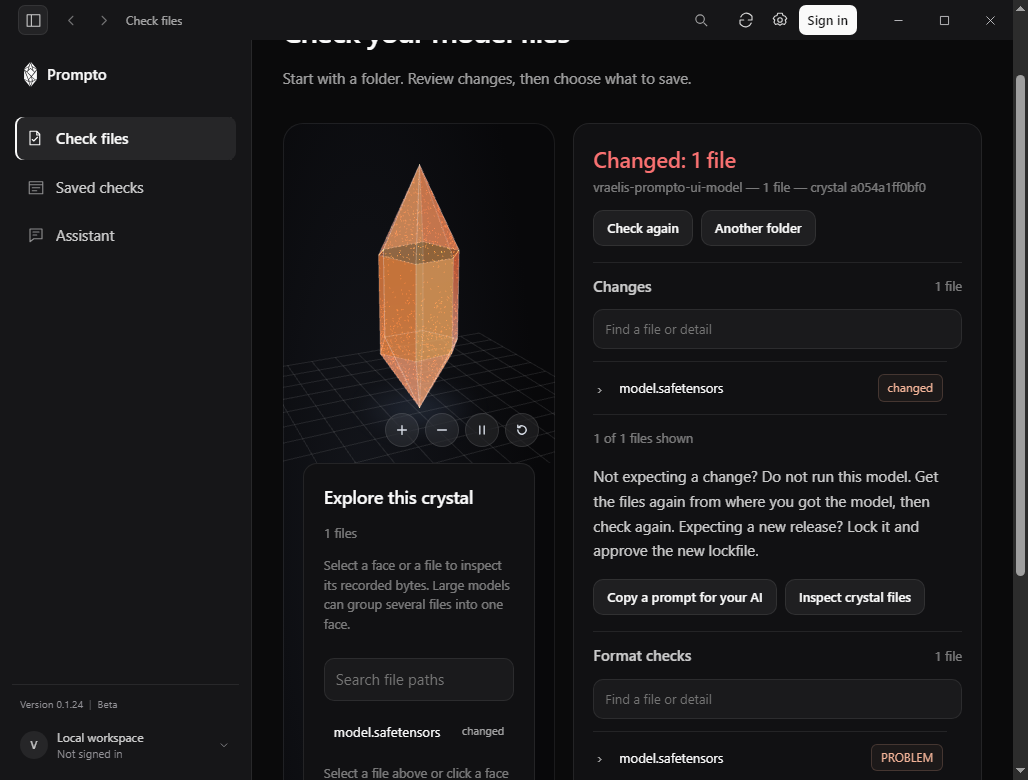
Checking a model folder is only one part of working with it. People also need to find a setting, check whether an online service is reachable, or get help without losing their place. This release focuses on those everyday transitions.
On Windows, clicking the sidebar edge refreshes immediately and restores the current page. Pressing the Settings shortcut a second time closes Settings, making it easier to return to the check or comparison already open.
Status and help, within reach
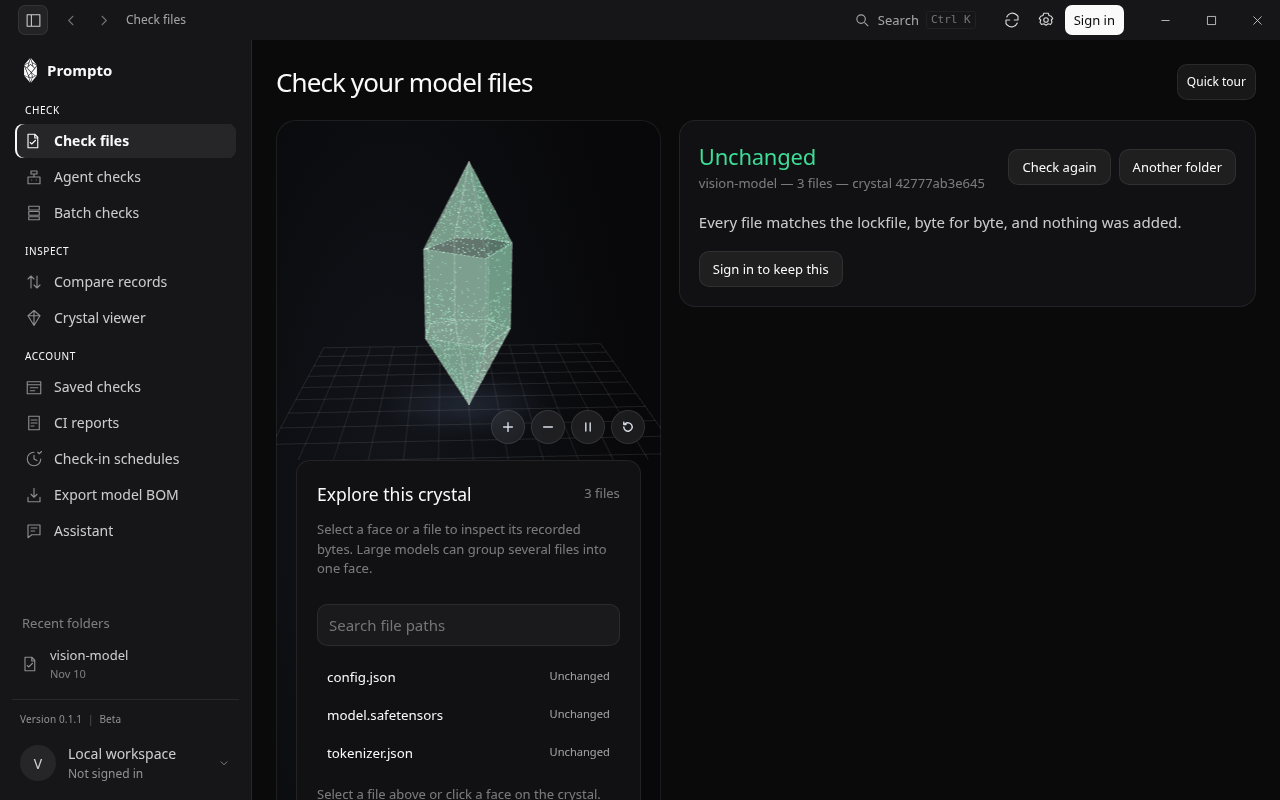
The expanded account menu groups preferences and help, and provides a route to system status. The web app brings status, resources and keyboard shortcuts into Settings as well.
System status describes the reachability of online services. It is separate from the result of a local file check: an available website does not establish that model files match a saved record.